
How to Add Custom Products to Shopify Cart Directly from Forms (with Line Item Properties)
Stop letting custom product requests languish in email inboxes. Learn how Formpify connects forms directly to the Shopify Cart via native Ajax, passing custom options as line item properties.
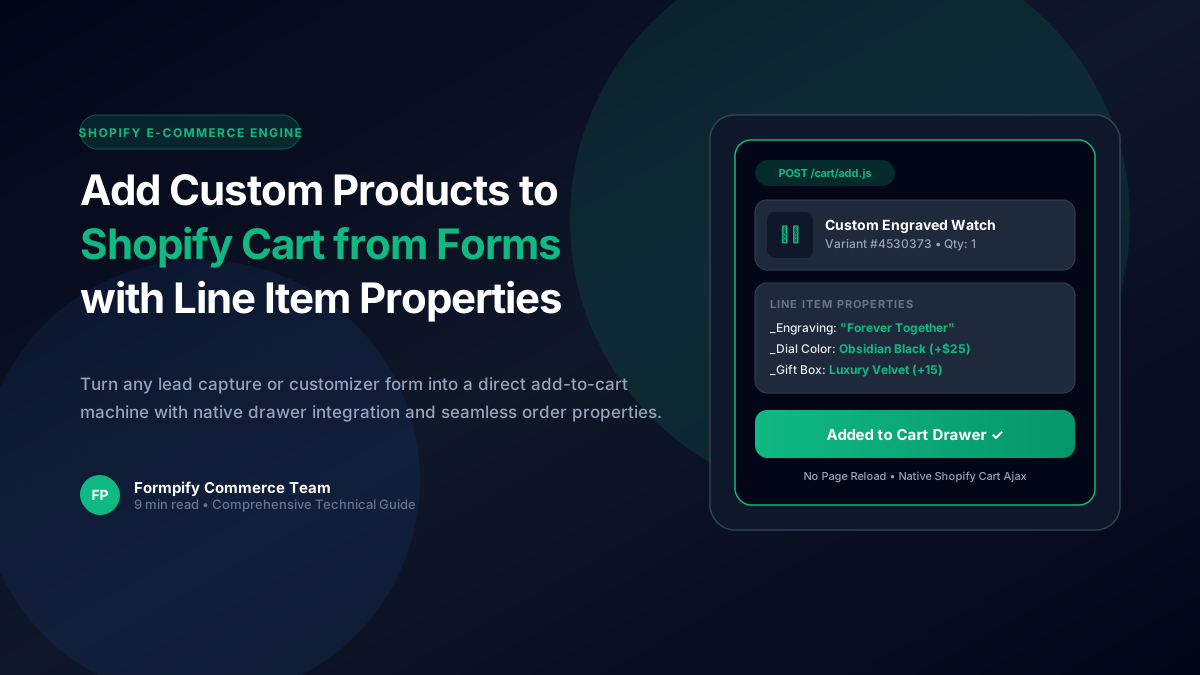
- Traditional contact forms isolate custom inquiries in email inboxes, adding days of friction before an invoice is paid.
- Formpify's Add to Shopify Cart post-submission action connects directly to Shopify's /cart/add.js Ajax API with zero theme code modifications.
- Every form input (engraving text, selected colorway, uploaded file, quantity) automatically attaches as Line Item Properties visible in Shopify Admin Orders.
- Flexible routing options allow merchants to stay on page (opening the theme's native Ajax Cart Drawer), redirect to /cart, or skip straight to /checkout.
- Fully compatible with Shopify Online Store 2.0 themes (Dawn, Horizon, Impulse, Prestige) with zero Core Web Vitals penalty.
Table of Contents
- →1. Why Traditional Custom Order Forms Kill Conversion Rates
- →2. How Formpify Bridges Forms & the Shopify Cart Engine
- →3. Step-by-Step: Configuring Add to Cart in Formpify
- →4. Line Item Properties: Passing Custom Options to Orders
- →5. Routing Strategy: Drawer, Cart Page, or Instant Checkout?
- →6. High-Converting Use Cases: Engraving, Bundles & Wholesale
1. Why Traditional Custom Order Forms Kill Conversion Rates
If you sell personalized jewelry, bespoke apparel, made-to-order furniture, or B2B bulk packages on Shopify, you know the frustration of the standard inquiry loop:
- A prospective buyer fills out a "Custom Quote Request" contact form with their measurements, color preferences, and engraving text.
- The submission lands in your support inbox or Zendesk queue.
- Your sales team manually calculates the price and replies with a Shopify Draft Order invoice 24 hours later.
- By the time the buyer opens the email, their shopping intent has evaporated—or they have already purchased from a competitor.
This asynchronous back-and-forth introduces catastrophic friction. In high-intent eCommerce, every hour of delay cuts checkout conversion by 12% to 28%. To capture spontaneous customer intent, custom forms must function as real-time checkout engines.
💡 The One-Click Solution
Instead of routing custom requests to an email inbox, Formpify enables merchants to transform any intake form into an instant Add to Shopify Cart workflow. The buyer selects their custom options, clicks Submit, and the exact configured product lands in their cart with all personalization data attached as native Line Item Properties.
2. How Formpify Bridges Forms & the Shopify Cart Engine
Formpify connects to Shopify’s official /cart/add.js endpoint via asynchronous Ajax. Unlike third-party apps that inject heavy external scripts or redirect users to clunky third-party checkouts, Formpify operates natively within your store’s ecosystem:
{
  "id": "45303733289139", // Shopify Variant ID
  "quantity": 1,
  "properties": {
    "Custom Engraving": "Forever & Always",
    "Band Finish": "Obsidian Black (+$25)",
    "Warranty Add-on": "2-Year Priority Coverage (+$45)",
    "Artwork File": "https://uploads.formpify.com/proof-01928.pdf"
  }
}
3. Step-by-Step: Configuring Add to Cart in Formpify
Setting up an Add to Cart submission action in Formpify takes less than two minutes inside the visual builder:
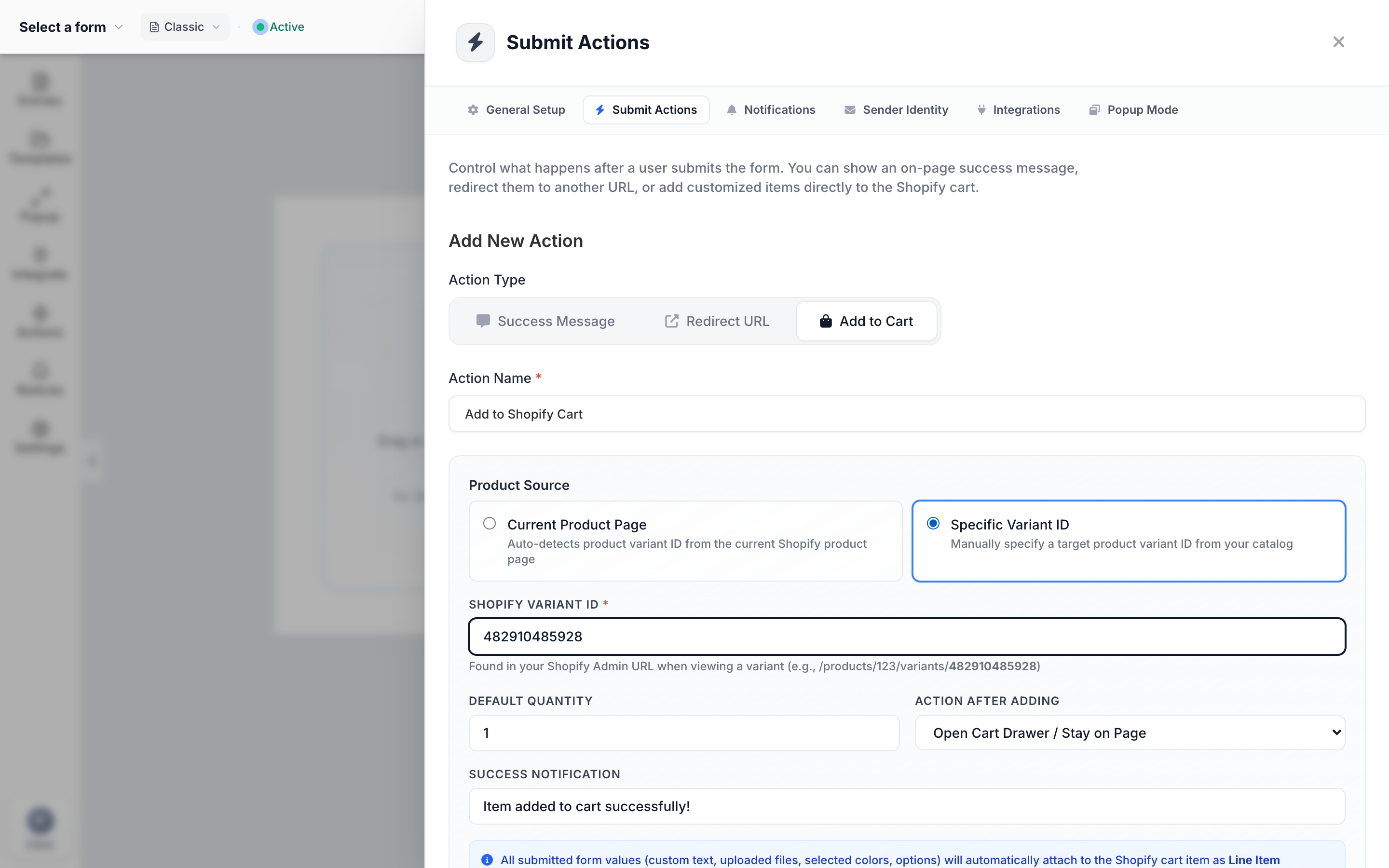
Formpify Builder: Accessing Submit Actions > Add to Shopify Cart Configuration
- Open Submit Actions: In the Formpify Builder, click the Submit Actions icon (the lightning bolt) on the left vertical toolbar.
- Create Action: Click Add Action and choose Add to Shopify Cart from the action type menu.
- Configure Product Source:
- Auto-detect Current Product: Formpify automatically resolves the active product and default variant ID if the form is embedded on a Shopify Product Details Page (PDP).
- Specific Product & Variant: Select any specific product catalog item and variant ID from your store (e.g., your base customizer item).
- Set Quantity Source: Choose a fixed quantity (e.g. 1) or dynamically bind the quantity to any Numeric Input field on your form.
- Customize Success Toast Notification: Personalize the instant toast alert message displayed when the item is added to cart.
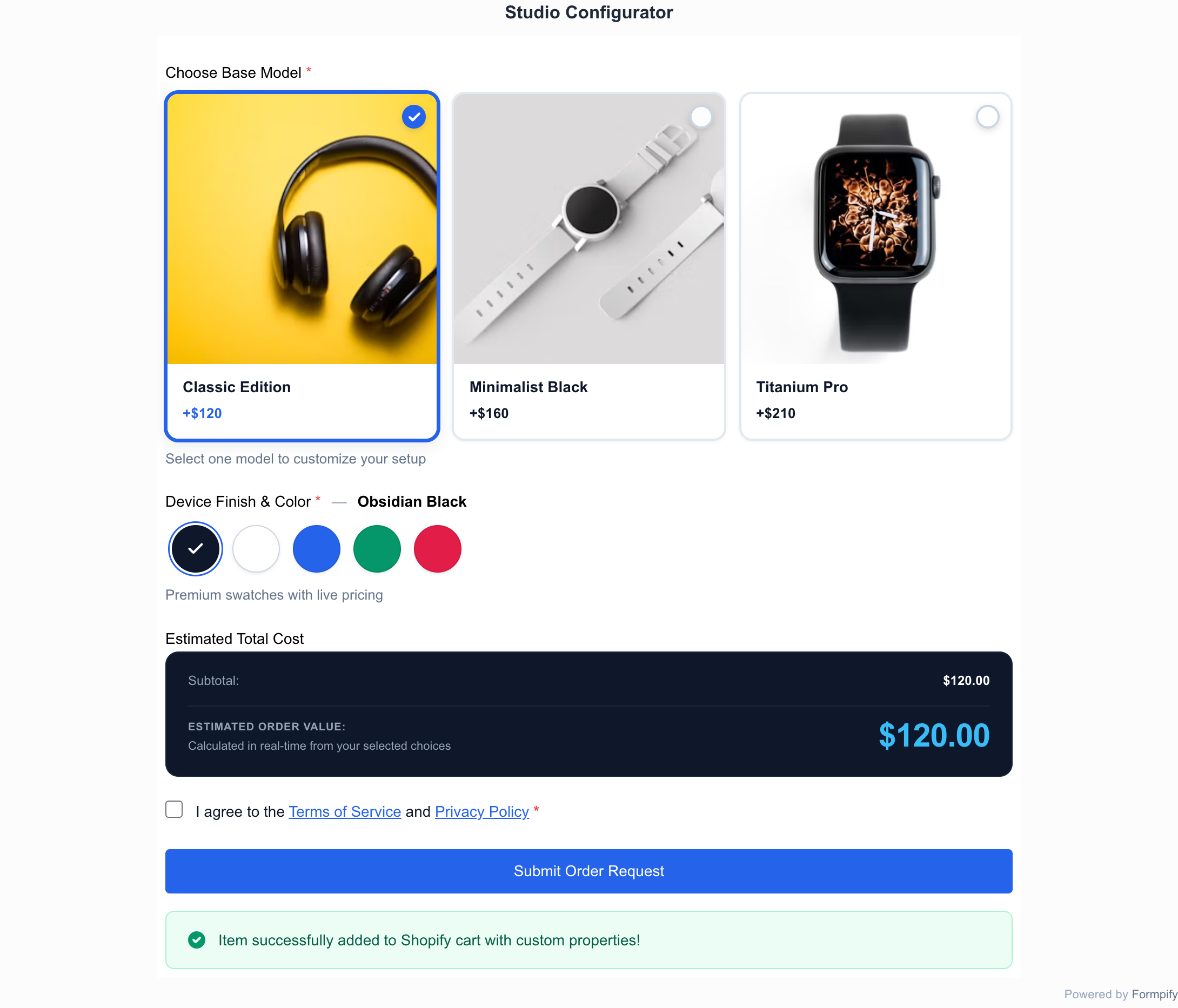
Live Storefront: Formpify Studio Configurator displaying instant add-to-cart confirmation upon submission
4. Line Item Properties: Passing Custom Options to Orders
The true power of this integration lies in Line Item Properties. When a customer submits your form, Formpify extracts all visible field responses and bundles them as key-value pairs directly into the cart item:
- Visible to Customer: Customers see their selections itemized clearly in their Cart Drawer, Cart Page, Order Status page, and Order Confirmation emails.
- Visible to Fulfillment Teams: All custom text, dropdown choices, color swatches, and uploaded file URLs render directly inside the Shopify Admin Order overview—giving your warehouse or production team everything they need without opening a single third-party dashboard.
5. Routing Strategy: Drawer, Cart Page, or Instant Checkout?
Formpify allows you to tailor the post-addition customer experience based on your specific business model:
1. Stay on Page (Cart Drawer)
Formpify automatically dispatches Shopify-standard DOM events (cart:updated, cart:refresh) to trigger your active theme’s native slide-out Cart Drawer. Perfect for stores with high cross-sell opportunities.
2. Redirect to /cart
Instantly navigates the buyer to the full cart review page. Ideal when buyers configure multiple complex items or require explicit order note validation before purchasing.
3. Instant 1-Click Checkout
Directly routes the user to /checkout immediately following submission. Bypasses the cart completely, eliminating a full step in the purchase funnel for high-ticket DTC items.
6. High-Converting Use Cases: Engraving, Bundles & Wholesale
Here are three proven merchant workflows generating substantial revenue with Formpify’s Add to Cart engine:
- Personalized & Engraved Goods: A jewelry store allows buyers to type personalized initials, select gold karat grade, and preview the live price. Upon submission, the engraved piece lands directly in checkout.
- Custom Gift Boxes & Bundles: A gourmet food brand lets customers assemble a 6-item custom gift basket using multi-select image choice cards. All 6 selected treats are passed into the parent bundle SKU as line item properties.
- B2B Wholesale Samples: Wholesale buyers choose up to 5 fabric swatch samples from a visual matrix and submit their business tax ID. Formpify adds the $0 or nominal sample pack to cart for immediate order verification.
Turn custom Shopify forms into direct revenue engines
Configure custom products, collect line item properties, and add to cart directly from any page.
Explore More Shopify Form Guides
 Shopify Guides
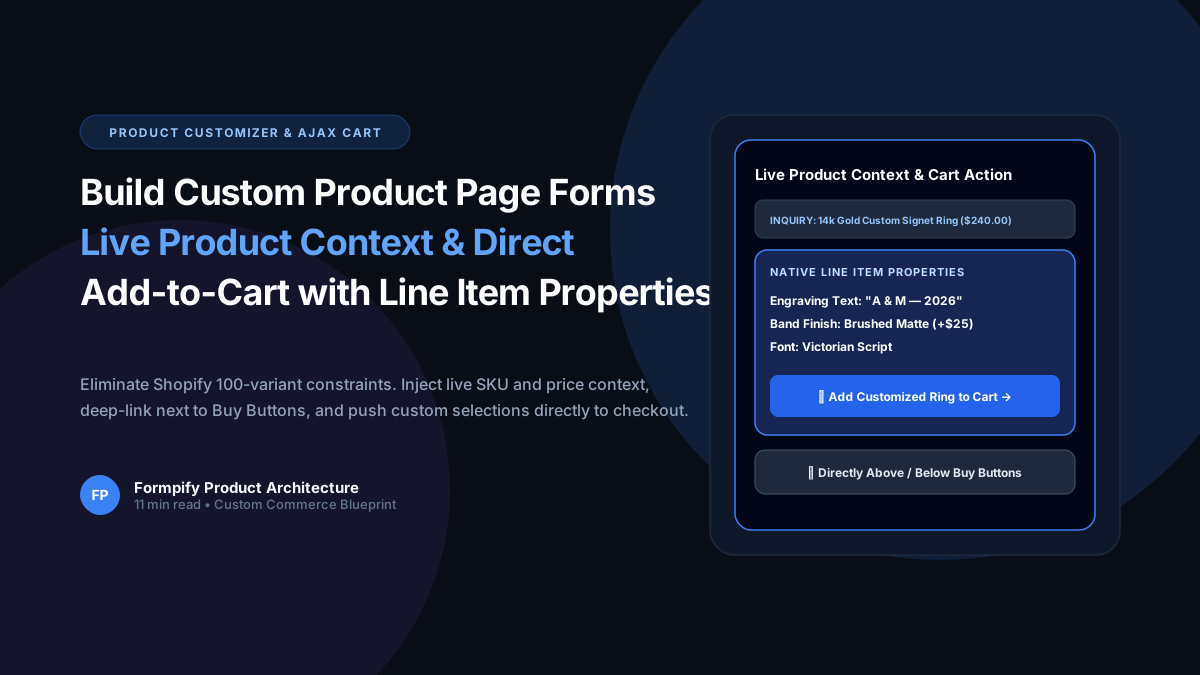
How to Build Custom Product Page Forms with Live Product Context & Direct Add-to-Cart in Shopify
Selling custom engraved jewelry, made-to-order apparel, or personalized gifts? Shopify strict 100-variant and 3-option ceiling makes bespoke customization nearly impossible with standard variants. Learn how Formpify Product Page Customizer injects live product context, deep-links directly above/below Buy Buttons, and pushes custom options straight to Shopify cart via Line Item Properties.
 Shopify Guides
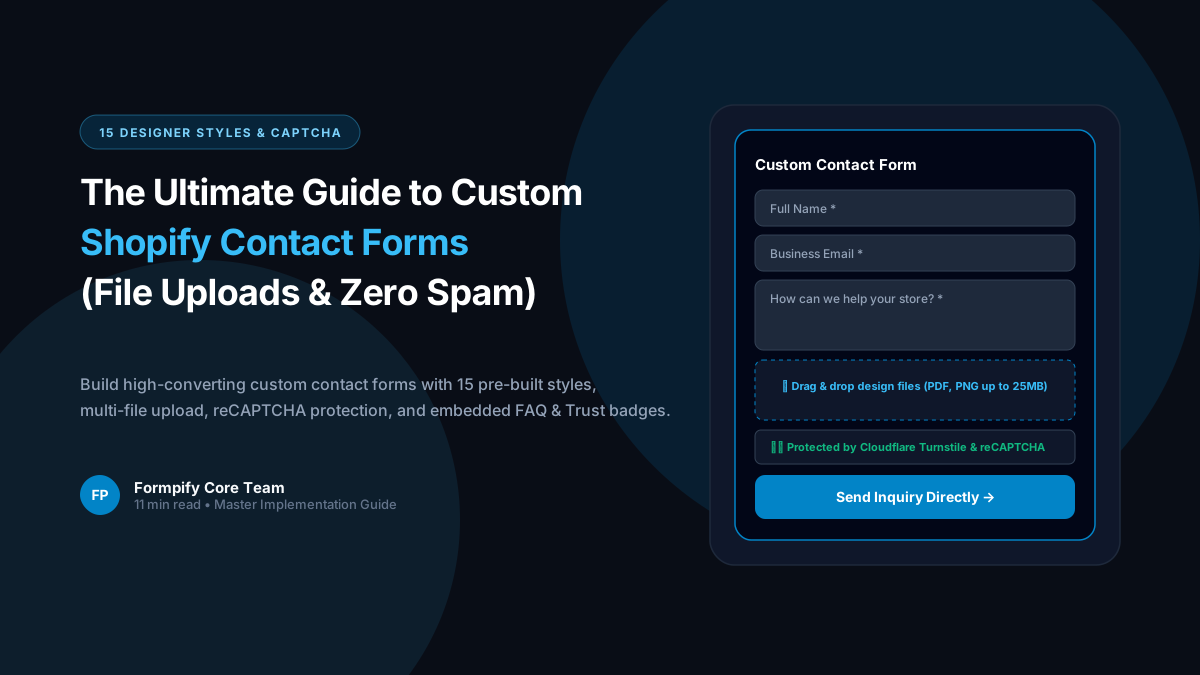
Shopify Custom Contact Forms: 15 Designer Styles, Spam Protection, File Uploads & Conversion Tactics
Default Shopify contact forms are bland, unbranded, and prone to spam bots. Discover how Formpify empowers merchants to deploy 15 designer styles, integrated anti-spam defense, multi-file uploads, and conversion-boosting utility widgets like FAQ accordions and trust badges without code.
 Shopify Guides
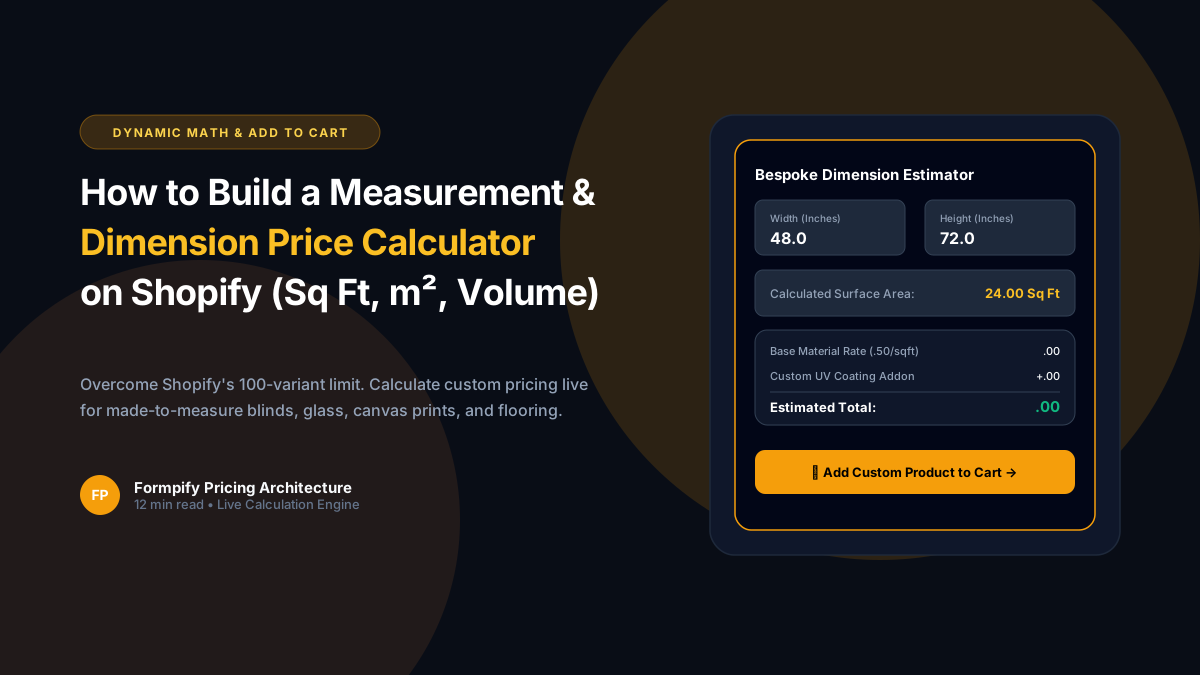
How to Build a Custom Measurement & Dimension Price Calculator for Shopify (Sq Ft, Linear & Volume)
Selling custom glass, framing, flooring, fabrics, blinds, or raw lumber? Standard Shopify variant limits (100 variants, 3 options) make dimension-based pricing impossible. Discover how Formpify's native Pricing Engine calculates real-time math formulas for square feet, linear dimensions, and volume, injecting custom calculated prices straight into Shopify checkout.
Ready to supercharge your Shopify forms?
Join thousands of merchants creating custom forms, surveys, and live cost calculators.