
How to Build a Custom Measurement & Dimension Price Calculator for Shopify (Sq Ft, Linear & Volume)
Selling custom glass, framing, flooring, fabrics, blinds, or raw lumber? Standard Shopify variant limits (100 variants, 3 options) make dimension-based pricing impossible. Discover how Formpify's native Pricing Engine calculates real-time math formulas for square feet, linear dimensions, and volume, injecting custom calculated prices straight into Shopify checkout.
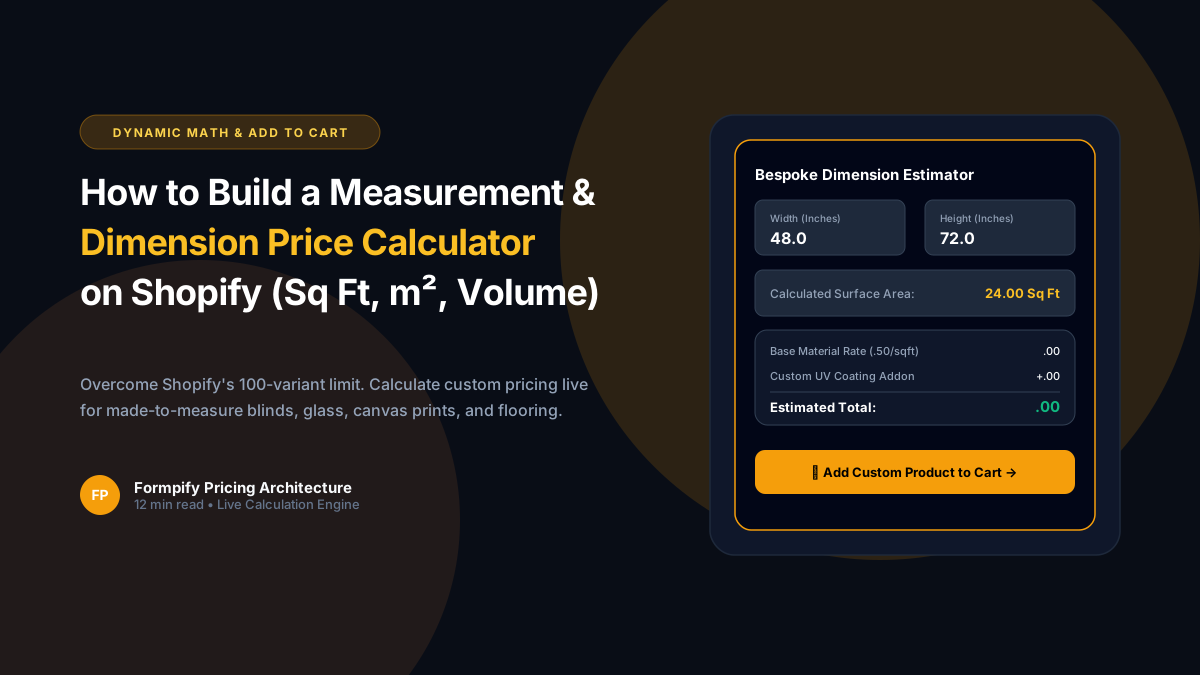
- Shopify's native architecture imposes a strict 100-variant and 3-option limit per product, making made-to-measure products (custom dimensions, square footage, linear sizing) impossible to sell out of the box.
- Formpify features a native Pricing Field and mathematical calculation engine that evaluates dynamic formulas in real-time right on the storefront.
- Merchants can configure multi-variable formulas incorporating Width, Height, Length, Area (e.g., Sq Ft = W x L / 144), Material Multipliers, Labor Base Fees, and Waste Factors.
- Live storefront price updates calculate instantly without page reloads or layout shifting as customers type dimensions or adjust interactive sliders.
- Dynamic Cart Line Item property injection passes customer measurements, unit area, finish selections, and calculated total pricing straight into the Shopify Cart and Checkout.
- Perfect for high-ticket custom industries: Custom cut-to-size glass, architectural mirrors, bespoke picture framing, hardwood flooring, window blinds, sheet metal fabrication, and luxury fabrics.
Table of Contents
- →1. Why Standard Shopify Cannot Handle Cut-to-Size & Measurement Pricing
- →2. Anatomy of the Formpify Calculation & Pricing Engine
- →3. Popular Measurement Math Formulas (Area, Linear, Volume & Weight)
- →4. Direct-to-Cart Line Item Injection: Passing Custom Specs to Checkout
- →5. Step-by-Step Tutorial: Building a Square Foot Glass Calculator
- →6. Profit Tactics: Minimum Order Fees, Cutting Waste & Material Surcharges
1. Why Standard Shopify Cannot Handle Cut-to-Size & Measurement Pricing
Standard eCommerce assumes fixed inventory: a shirt comes in Small, Medium, or Large; a phone case fits an iPhone 15 or 16. But thousands of high-margin eCommerce merchants sell made-to-measure, cut-to-size, or bespoke dimensional products:
- Custom Glass & Mirrors: Customers specify exact millimeters (e.g. 1,245mm × 850mm tempered glass table tops).
- Picture Framing: Frame molding, glass glazing, and matting priced per linear united inch.
- Flooring & Wall Coverings: Hardwood, ceramic tile, and wallpaper sold by total square footage plus a 10% cutting waste buffer.
- Blinds & Window Treatments: Width and drop measurements determining motorized fabric pricing.
- Industrial Metals & Raw Lumber: Steel sheets, acrylic panels, and hardwood boards priced by volume or dimensional weight.
Attempting to sell these products with Shopify's default product setup results in immediate failure due to Shopify's hard limit of 100 variants and 3 options per product. Creating variants for every combination of width, length, and finish would require millions of variant rows.
🚀 The Solution: Dynamic Mathematical Form Engine
Instead of pre-generating millions of static variants, Formpify allows merchants to embed a dynamic mathematical calculation form right on the product page. Customers input exact dimensions, and Formpify's engine evaluates formulas on the fly, updating the storefront price display and injecting the custom specifications straight into the Shopify checkout.
2. Anatomy of the Formpify Calculation & Pricing Engine
Formpify's native Pricing Engine is engineered for complete merchant flexibility without requiring custom JavaScript programming:
Dynamic Formula Evaluation
Write real algebraic formulas referencing form fields like [width] * [height] / 144 * [material_rate] with automatic syntax validation.
Sub-Millisecond Live Updates
Storefront prices recalculate in real-time as users type numbers or drag visual sliders, with zero lag or layout jumping.
Line Item Property Injection
All dimensions, square footage, and selected options are bundled directly into Shopify Cart and Order Line Item Properties.
Unit Switching & Clamping
Support Inches, Feet, Centimeters, or Millimeters with built-in min/max validation to prevent impossible manufacturing sizes.
3. Popular Measurement Math Formulas (Area, Linear, Volume & Weight)
Here are real-world formula configurations you can deploy instantly in Formpify:
| Industry Use Case | Mathematical Formula in Formpify | Customer Inputs |
|---|---|---|
| Square Footage (Flooring, Glass) | (([width] * [length]) / 144) * [sqft_rate] * 1.10 | Width (in), Length (in), 10% waste buffer |
| Linear Foot / Inch (Framing, Blinds) | (([width] + [height]) * 2 / 12) * [foot_rate] + [base_fee] | Frame perimeter, Molding grade, Base fee |
| Metric Square Meters (Tiles, Fabric) | (([width_cm] * [length_cm]) / 10000) * [sqm_rate] | Width (cm), Length (cm), Fabric tier |
| Cubic Volume (Lumber, Foam, Soil) | (([length] * [width] * [depth]) / 1728) * [cuft_rate] | 3D dimensions in inches converted to cubic feet |
4. Direct-to-Cart Line Item Injection: Passing Custom Specs to Checkout
Calculating the price on the storefront is useless if that custom pricing and dimensional data does not flow into the checkout and order fulfillment records. Formpify bridges this gap seamlessly:
- Shopify Cart Line Item Properties: When the customer clicks "Add to Cart", Formpify bundles all calculated measurements as line item properties (e.g.
Width: 48 inches,Height: 36 inches,Total Area: 12 sq ft,Edge Polishing: Beveled (+ $24.00)). - Fulfillment & Order Visibility: These properties appear automatically on the Shopify Order details page, packing slips, customer confirmation emails, and third-party ERP / shipping integrations (ShipStation, ShipBob, Katana).
- Dynamic Price Matching: Formpify synchronizes the custom calculated price directly to checkout via dynamic product pricing units or Shopify's native Cart API.
5. Step-by-Step Tutorial: Building a Square Foot Glass Calculator
- Create a New Form in Formpify: In Shopify Admin, open Apps > Formpify Form Builder and click Create Form > Blank Form (or choose the Measurement Calculator template).
- Add Numeric Inputs: Add two Number Fields labeled Width (inches) and Height (inches). Set minimum values to
6and maximum values to96to ensure manufacturable parameters. - Add Finish Options: Add a Radio / Image Swatch field for Glass Thickness (e.g. 1/4 inch, 3/8 inch, 1/2 inch) with assigned pricing multipliers.
- Add the Pricing Field: Drag the Pricing / Calculation Field onto your form. In the formula builder, enter:
Math.max(50, (([width] * [height]) / 144) * [thickness_rate] + [edge_fee])
(This formula includes a $50 minimum order threshold!) - Enable Direct Add-to-Cart: In the Form Actions tab, toggle Direct Add to Cart to ON and link the form to your master base product.
- Embed on Product Template: In the Shopify Theme Editor, navigate to your Custom Glass product page, add the Formpify App Block beneath the product title, and hit Save.
6. Profit Tactics: Minimum Order Fees, Cutting Waste & Material Surcharges
Top cut-to-size merchants protect profit margins by embedding smart business rules into their Formpify formulas:
- Minimum Order Floors (MOF): Never sell a 4-inch glass square for $2.40 when labor costs $20. Use
Math.max(MIN_PRICE, formula)to enforce a baseline minimum order fee. - Automatic Offcut / Waste Buffers: Raw sheets of acrylic or granite leave offcuts that cannot be reused. Factor a 10% - 15% waste buffer into your square footage multiplier.
- Tiered Volume Discounts: Combine calculation formulas with tiered quantity brackets so customers purchasing over 100 sq ft automatically receive progressive discounts.
Start selling made-to-measure products on Shopify without expensive custom development using Formpify's native calculation engine.
Build dynamic measurement & price calculator forms for Shopify
Calculate live square foot, linear dimension, and volume formulas with direct cart property injection.
Explore More Shopify Form Guides
 Shopify Guides
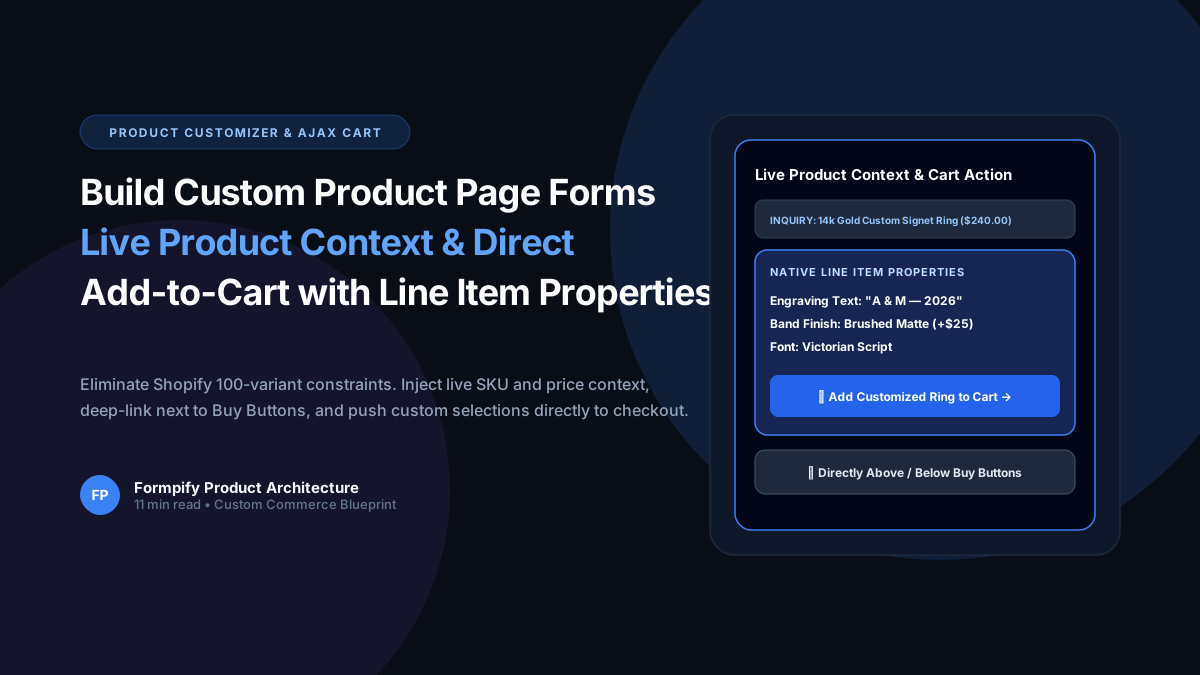
How to Build Custom Product Page Forms with Live Product Context & Direct Add-to-Cart in Shopify
Selling custom engraved jewelry, made-to-order apparel, or personalized gifts? Shopify strict 100-variant and 3-option ceiling makes bespoke customization nearly impossible with standard variants. Learn how Formpify Product Page Customizer injects live product context, deep-links directly above/below Buy Buttons, and pushes custom options straight to Shopify cart via Line Item Properties.
 Shopify Guides
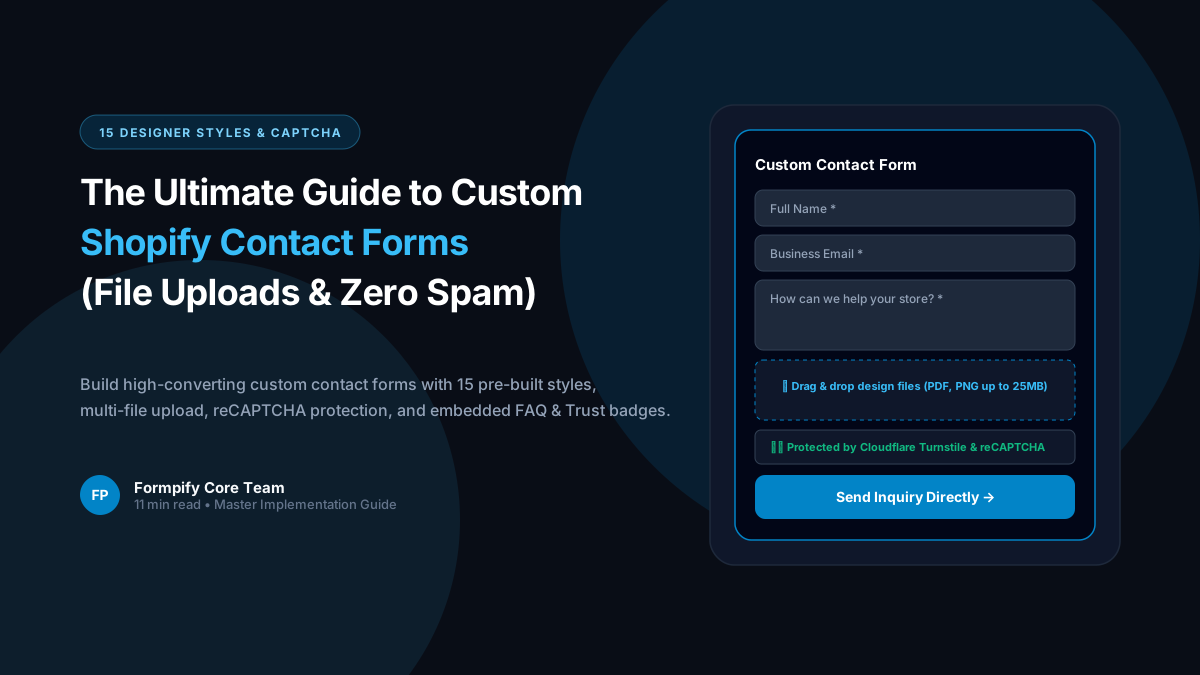
Shopify Custom Contact Forms: 15 Designer Styles, Spam Protection, File Uploads & Conversion Tactics
Default Shopify contact forms are bland, unbranded, and prone to spam bots. Discover how Formpify empowers merchants to deploy 15 designer styles, integrated anti-spam defense, multi-file uploads, and conversion-boosting utility widgets like FAQ accordions and trust badges without code.
 Shopify Guides
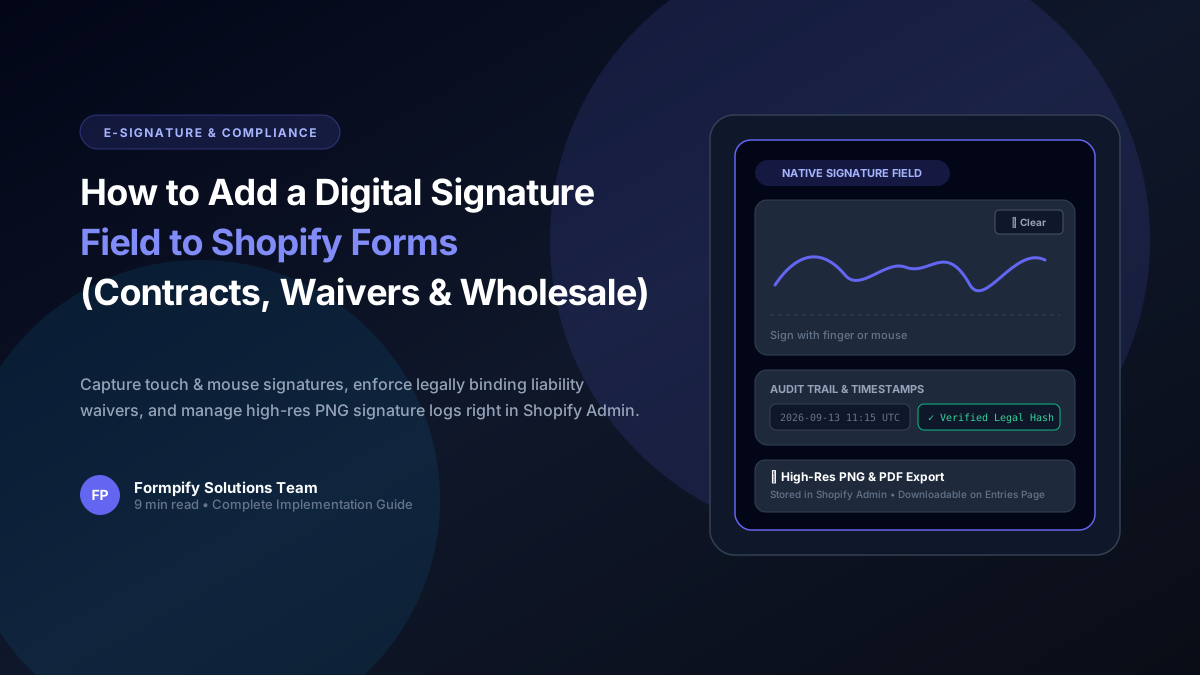
How to Add a Digital Signature Field to Shopify Forms for Contracts, Waivers & B2B Agreements
Whether you operate equipment rentals, custom wholesale fabrication, sports waivers, or B2B credit applications, paper contracts kill conversion rates. Learn how Formpify's native Digital Signature field lets customers sign directly on mobile or desktop, storing tamper-proof signature logs directly inside your Shopify store.
Ready to supercharge your Shopify forms?
Join thousands of merchants creating custom forms, surveys, and live cost calculators.