
Shopify Custom Contact Forms: 15 Designer Styles, Spam Protection, File Uploads & Conversion Tactics
Default Shopify contact forms are bland, unbranded, and prone to spam bots. Discover how Formpify empowers merchants to deploy 15 designer styles, integrated anti-spam defense, multi-file uploads, and conversion-boosting utility widgets like FAQ accordions and trust badges without code.
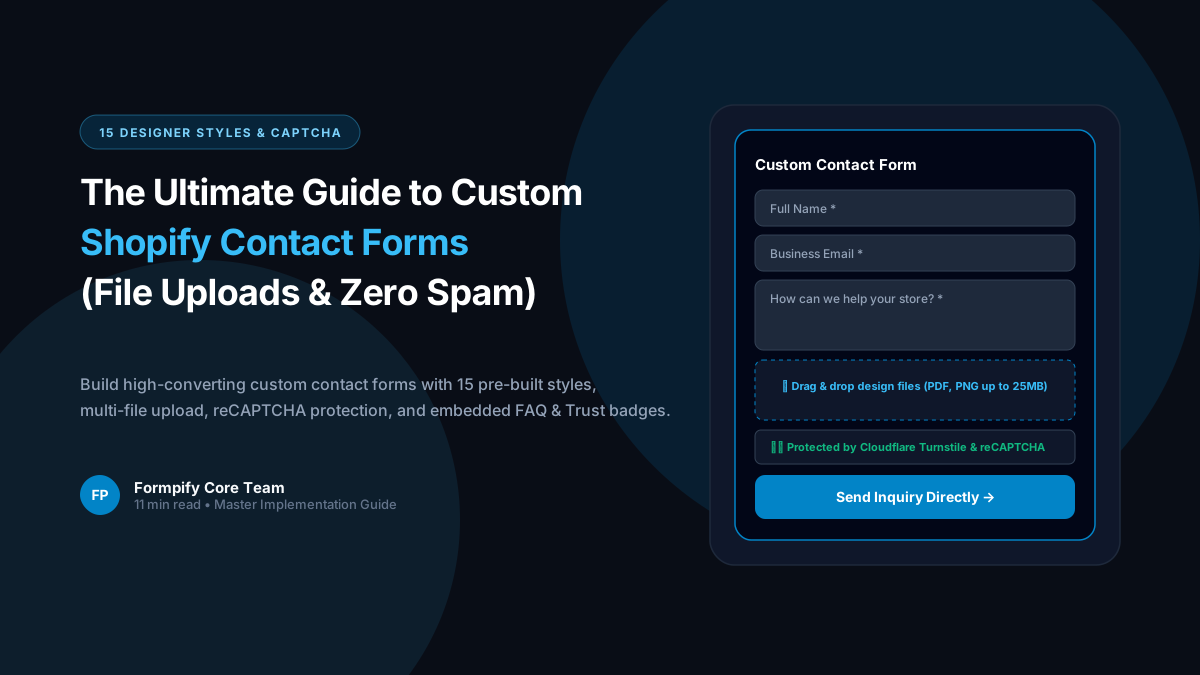
- Default Shopify contact forms feature only 3 generic fields (Name, Email, Message), zero file upload capabilities, and no custom design flexibility, losing up to 35% of qualified merchant inquiries.
- Formpify includes 15 ready-to-use designer styles (Minimal Clean, Glassmorphism, Luxury Serif, Brutalist, Dark Mode, Split Columns, Floating Card, etc.) that automatically adapt to your theme typography and brand color palette.
- Integrated multi-layer spam defense combines invisible honeypot traps and non-intrusive reCAPTCHA/hCaptcha verification to stop malicious bots without annoying legitimate buyers.
- Native multi-file uploads allow customers to attach images, PDF blueprints, receipt screenshots, and warranty documents directly to contact inquiries, stored safely on high-speed CDN storage.
- Embedded conversion utility blocks—including expandable FAQ accordions, trust badge strips, and response-time countdowns—answer common questions before submission and drastically reduce support ticket volume.
- Conditional logic routing automatically sends submissions to specific department inboxes (e.g. Sales, Support, Wholesale, Returns) based on customer issue selection.
Table of Contents
- →1. Why Default Shopify Contact Forms Kill Store Credibility & Inquiries
- →2. 15 Modern Designer Styles: Elevating Form Aesthetics Across Themes
- →3. Advanced Features: Multi-File Attachments & Zero-Bot Spam Defense
- →4. Conversion Boosters: FAQ Accordions, Trust Badges & Urgency Counters
- →5. Smart Departmental Routing with Conditional Logic
- →6. Step-by-Step Guide: Building a Custom Contact Form in 3 Minutes
1. Why Default Shopify Contact Forms Kill Store Credibility & Inquiries
Your store's contact page is often the final hurdle between a hesitant prospective buyer and an executed high-ticket sale. Yet, the standard contact form shipped with default Shopify themes like Dawn, Sense, or Refresh offers almost nothing beyond four bare fields: Name, Email, Phone, and Comment.
When potential customers need to request custom sizing, submit bespoke design files, report shipping damage with photos, or apply for commercial distribution, the default form fails completely:
- No File Uploads: Customers cannot attach reference images, artwork vector files, or return receipts, forcing lengthy email ping-pong.
- Generic, Cookie-Cutter Aesthetics: Flat, unstyled inputs look disconnected from premium storefront branding, undermining trust for luxury or boutique brands.
- Spam Bot Vulnerability: Default forms are constantly targeted by automated scrapers and marketing bots, cluttering store email inboxes with junk.
- Zero Contextual Routing: General inquiries, urgent order changes, and wholesale partner requests are dumped into a single generic support email address.
💡 The Formpify Advantage: Total Storefront Freedom
With Formpify, merchants upgrade from primitive contact fields to an intelligent, branded inquiry hub featuring 15 designer presets, native multi-file uploads, departmental routing, and interactive conversion boosters.
2. 15 Modern Designer Styles: Elevating Form Aesthetics Across Themes
Form design should feel like an organic extension of your Shopify store, not a clunky third-party embed. Formpify provides 15 pre-crafted design themes ready to activate with a single click:
Modern Minimalist
Understated borders, subtle focus rings, and clean line-height. Ideal for modern apparel and lifestyle brands.
Frosted Glass Modern
Translucent backdrop-blur cards with subtle specular borders, creating breathtaking depth over photographic backgrounds.
Editorial Elegance
Tailored for jewelry, bespoke perfumery, and high-fashion ateliers using sophisticated serif headers and gold/bronze accents.
Elevated Drop-Shadow
High-contrast floating container with smooth elevation shadows that guide user attention directly into form completion.
Deep Obsidian
Engineered for tech, automotive, and gaming stores featuring midnight slate backgrounds and glowing neon input highlights.
Bold Geometry
Crisp black borders, high-contrast offset drop-shadows, and raw streetwear typography for Gen-Z brands.
Additional built-in presets include Split Columns (two-column side-by-side layout), Rounded Playful (friendly curved pills for kids & pet brands), Compact Drawer (slide-out trigger tab), and Accordion Segmented for long inquiry funnels. Every style automatically adopts your theme's global typography and border-radius settings.
3. Advanced Features: Multi-File Attachments & Zero-Bot Spam Defense
Handling customer inquiries often requires visual documentation. Formpify solves this natively:
Enterprise Capabilities Built Directly Into Formpify:
4. Conversion Boosters: FAQ Accordions, Trust Badges & Urgency Counters
Unlike standard form builders that treat forms merely as data collection boxes, Formpify introduces Utility Booster Fields directly inside the form layout:
Embedded FAQ Accordion
Add expandable answers to common questions (e.g., "What is your turnaround time?", "Do you ship internationally?"). Solves 40% of queries before the user even clicks submit!
Trust Badge Strip
Display verified guarantee badges, SSL encryption seals, and average response time metrics ("⚡ Typical reply in under 2 hours") to eradicate customer hesitations.
Response Time Indicator
Display live support operating hours and timezone status so customers understand realistic response timelines during weekends and holidays.
5. Smart Departmental Routing with Conditional Logic
Why should your customer support team manually re-forward emails to billing, wholesale sales, or returns? Formpify's Conditional Notification Engine automatically dispatches email notifications based on form field values:
| Customer Selected Topic | Triggered Form Logic | Automated Destination & Action |
|---|---|---|
| Wholesale & Bulk Pricing | Show Company Name & EIN fields | Notify b2b@brand.com & auto-tag customer in Shopify |
| Return / Exchange Request | Show Order # & Photo Upload fields | Notify returns@brand.com with photo attachment links |
| Custom Bespoke Quote | Show Dimension & Budget inputs | Notify custom@brand.com & sync row to Google Sheets |
| General Product Question | Show standard message area | Notify support@brand.com with instant customer auto-responder |
6. Step-by-Step Guide: Building a Custom Contact Form in 3 Minutes
- Open Formpify in Shopify Admin: Launch Apps > Formpify Form Builder and select New Form > Contact Forms.
- Select a Designer Template: Choose from 15 pre-styled templates (e.g. Modern Minimal or Floating Card).
- Add Custom Fields: Drag and drop a Dropdown for inquiry category, a File Upload element for images/documents, and an FAQ Accordion block for instant answers.
- Activate Anti-Spam: Under Form Settings, ensure Invisible Honeypot is toggled on to silently block bot traffic.
- Configure Email Notifications: Set your recipient addresses and craft a personalized auto-reply confirmation email for the customer.
- Embed onto Your Contact Page: Open your Shopify Theme Editor (Online Store > Customize), navigate to your Contact page, add the Formpify App Block, and click Save.
Transform your contact page from an afterthought into a high-converting customer relationship asset today with Formpify.
Build stunning custom contact forms for your Shopify store
Choose from 15 designer styles, capture file attachments, block spam bots, and route inquiries automatically.
Explore More Shopify Form Guides
 Shopify Guides
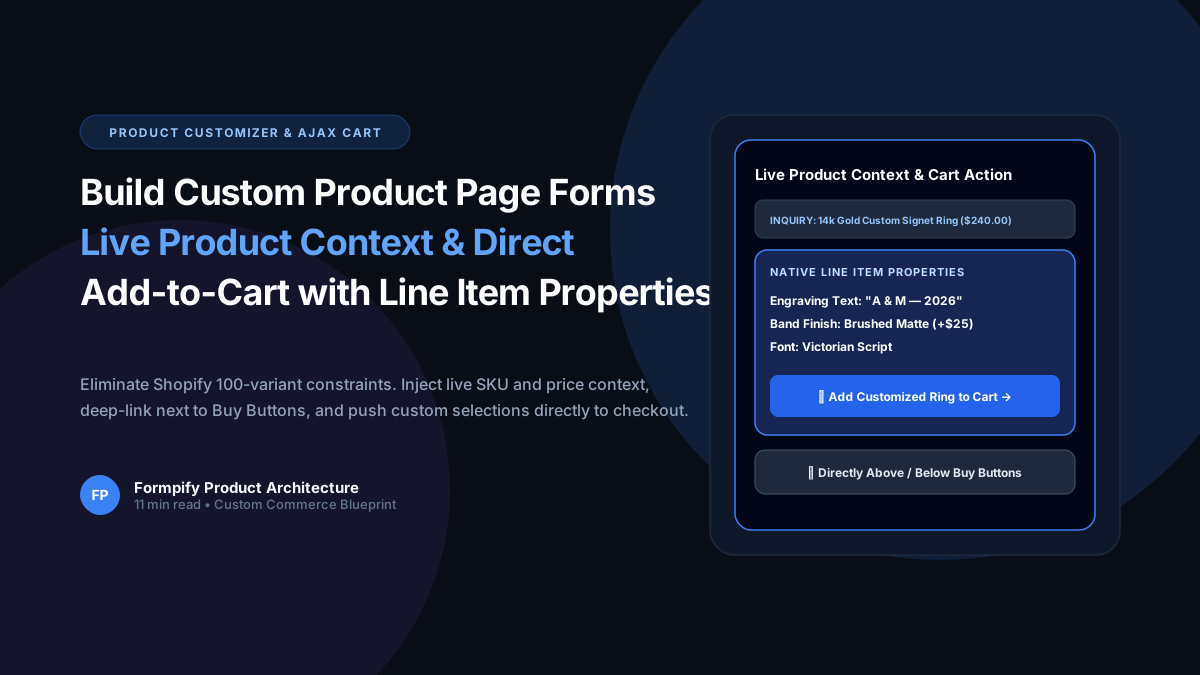
How to Build Custom Product Page Forms with Live Product Context & Direct Add-to-Cart in Shopify
Selling custom engraved jewelry, made-to-order apparel, or personalized gifts? Shopify strict 100-variant and 3-option ceiling makes bespoke customization nearly impossible with standard variants. Learn how Formpify Product Page Customizer injects live product context, deep-links directly above/below Buy Buttons, and pushes custom options straight to Shopify cart via Line Item Properties.
 Shopify Guides
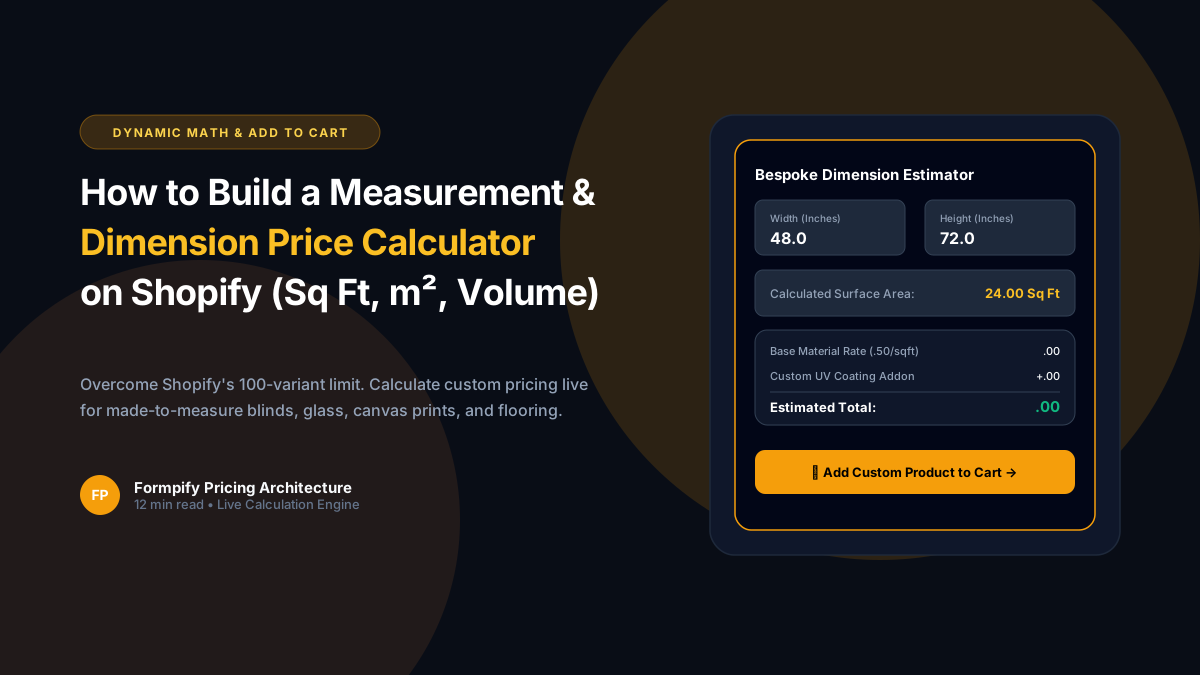
How to Build a Custom Measurement & Dimension Price Calculator for Shopify (Sq Ft, Linear & Volume)
Selling custom glass, framing, flooring, fabrics, blinds, or raw lumber? Standard Shopify variant limits (100 variants, 3 options) make dimension-based pricing impossible. Discover how Formpify's native Pricing Engine calculates real-time math formulas for square feet, linear dimensions, and volume, injecting custom calculated prices straight into Shopify checkout.
 Shopify Guides
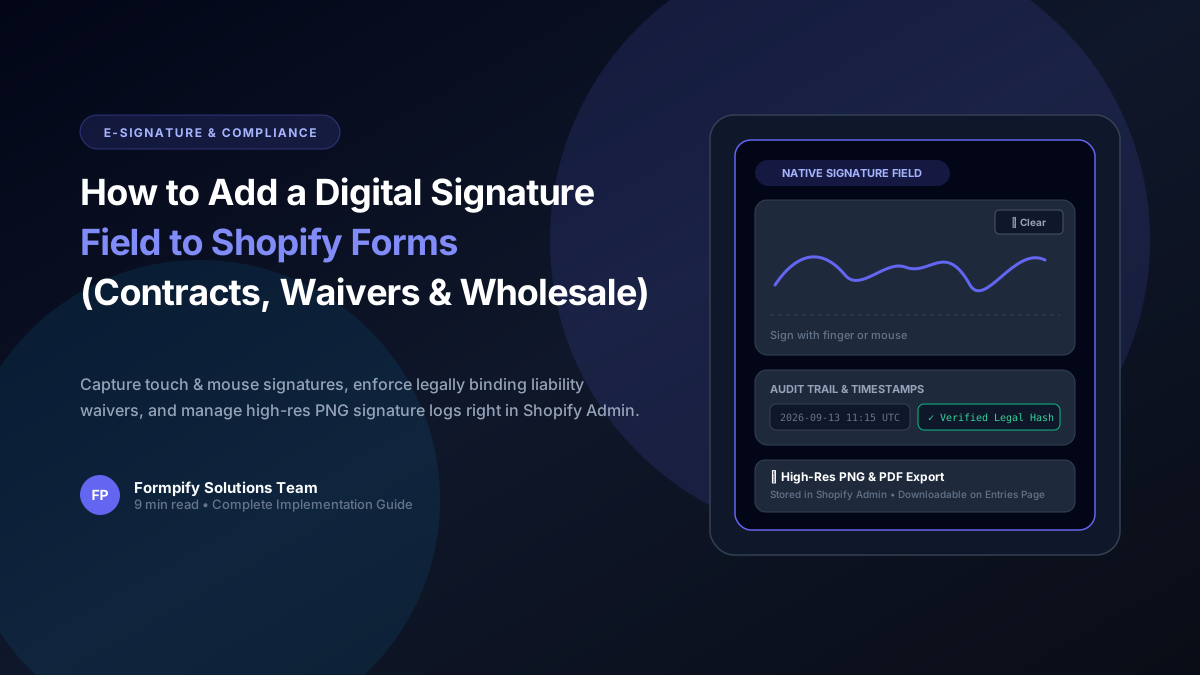
How to Add a Digital Signature Field to Shopify Forms for Contracts, Waivers & B2B Agreements
Whether you operate equipment rentals, custom wholesale fabrication, sports waivers, or B2B credit applications, paper contracts kill conversion rates. Learn how Formpify's native Digital Signature field lets customers sign directly on mobile or desktop, storing tamper-proof signature logs directly inside your Shopify store.
Ready to supercharge your Shopify forms?
Join thousands of merchants creating custom forms, surveys, and live cost calculators.