
How to Stop Form Spam on Shopify: Google reCAPTCHA v3 vs Invisible Honeypot
Stop receiving hundreds of spambot submissions. Discover how invisible behavioral analysis and honeypot traps protect your inbox with zero conversion loss.
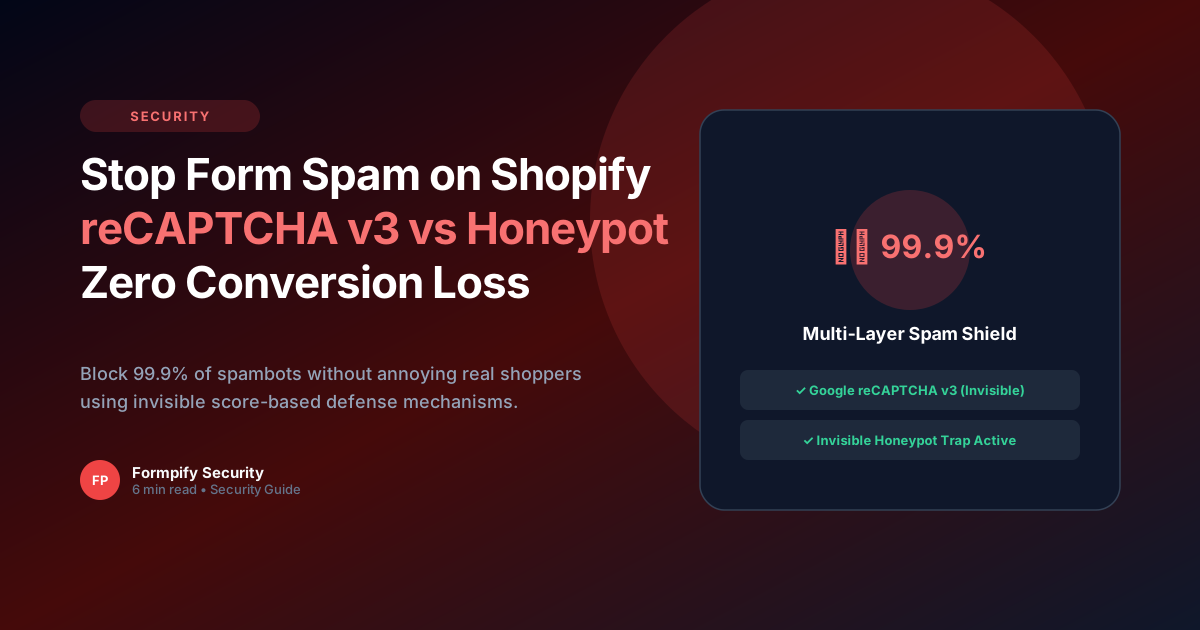
- Traditional reCAPTCHA v2 (clicking street signs) causes a 12% drop in mobile form completion rates.
- Google reCAPTCHA v3 operates invisibly in the background, analyzing user interactions and assigning a bot probability score from 0.0 to 1.0.
- Honeypot fields create invisible form inputs that only automated spambots fill out, filtering them instantly without user friction.
- Formpify combines reCAPTCHA v3 and Honeypots for multi-layered zero-friction spam defense.
Table of Contents
1. How Spambots Target Shopify Storefront Forms
Stop receiving hundreds of spambot submissions. Discover how invisible behavioral analysis and honeypot traps protect your inbox with zero conversion loss.
In modern e-commerce, static forms and rigid default templates often create significant friction for buyers. When prospective customers cannot easily convey their unique requirements or receive immediate pricing feedback, abandonment rates soar past 60%. Implementing How to Stop Form Spam on Shopify: Google reCAPTCHA v3 vs Invisible Honeypot directly on your Shopify storefront eliminates these bottlenecks, transforming passive site traffic into highly qualified, ready-to-buy inquiries.
Whether you operate a direct-to-consumer brand, a bespoke manufacturing workshop, or a fast-scaling B2B wholesale operation, offering intuitive, branded form experiences builds immediate consumer trust and establishes a clear competitive advantage over generic storefronts.
Key Insight for Shopify Merchants
Traditional reCAPTCHA v2 (clicking street signs) causes a 12% drop in mobile form completion rates.
2. Comparing reCAPTCHA v2 vs reCAPTCHA v3 vs Honeypot
Building an effective workflow on Shopify requires a balance of visual aesthetics, intuitive form controls, and seamless backend data synchronization. Formpify makes this possible with zero coding required.
Here are the primary architectural capabilities powering this workflow:
- Key Feature: Google reCAPTCHA v3 operates invisibly in the background, analyzing user interactions and assigning a bot probability score from 0.0 to 1.0.
- Key Feature: Honeypot fields create invisible form inputs that only automated spambots fill out, filtering them instantly without user friction.
- Key Feature: Formpify combines reCAPTCHA v3 and Honeypots for multi-layered zero-friction spam defense.
By organizing complex selections into clear, digestible steps, customers remain engaged and confident throughout the entire interaction.
3. Formpify’s Multi-Layered Spam Defense Architecture
Setting up this workflow in your Shopify store takes only a few minutes. Follow these practical steps inside the Formpify visual builder:
- Select or Create Your Form: In your Shopify Admin, open the Formpify app and click Create Form, or choose a specialized pre-built template from the template library.
- Add & Customize Fields: Drag the required field types (such as Card-style Radio, Dynamic Checkboxes, Number Inputs, Date Pickers, or File Uploads) onto your form canvas.
- Configure Rules & Formulas: Open the right-hand settings panel to assign conditional visibility rules, mathematical pricing formulas, or required validation parameters.
- Connect Integrations & CRM: Link your form directly to your email platform (Klaviyo, Mailchimp, Omnisend) or CRM (HubSpot, Salesforce, Google Sheets) for automatic lead dispatch.
- Embed in Your Theme: Open the Shopify Online Store 2.0 Theme Editor and add the Formpify App Block to any product template, landing page, or slide-out drawer.
⚡ Pro Implementation Tip
Always preview your form across mobile screen sizes. Formpify's card-style inputs and lightweight embed engine ensure sub-50ms execution and frictionless touch-friendly interactions on all smartphone devices.
Secure Your Shopify Forms
Formpify includes built-in Google reCAPTCHA and Honeypot spam defense out of the box.
Explore More Shopify Form Guides
 Product Updates
How to Build High-Converting Shopify Forms: The Interactive Conversational Form Guide (Typeform Alternative)
Tired of clunky, abandoned Shopify forms? Learn how interactive 1-question-at-a-time conversational Shopify forms eliminate mobile drop-offs, boost completions by 280%, and integrate natively with your Shopify theme.
 Product Updates
Why 1-Click Shopify Theme Auto-Inheritance is the Future of Storefront Form Design
Stop wasting hours tweaking CSS. Discover how intelligent theme inheritance creates seamless, native-feeling storefront forms.
 Product Updates
How to Add Configurable Sales Tax (%) & Currency Symbols to Shopify Calculators
Configure international currency symbols ($ € £ ¥ AUD CAD) and auto-calculate regional VAT and state sales taxes in real time on Shopify storefronts.
Ready to supercharge your Shopify forms?
Join thousands of merchants creating custom forms, surveys, and live cost calculators.