
How to Embed Custom Forms on Any Shopify Page in 1 Click (Zero Liquid Code, Theme Auto-Breakout & Full-Width 800px Support)
Past Shopify form apps force merchants to manually copy liquid snippets, edit theme files, or suffer from cramped 360px mobile widths on desktop screens. Discover how Formpify v2.3.1 introduces seamless 1-click Store Page auto-embedding via Shopify Admin REST API and intelligent Theme Container Breakout for perfect 800px full-width forms.
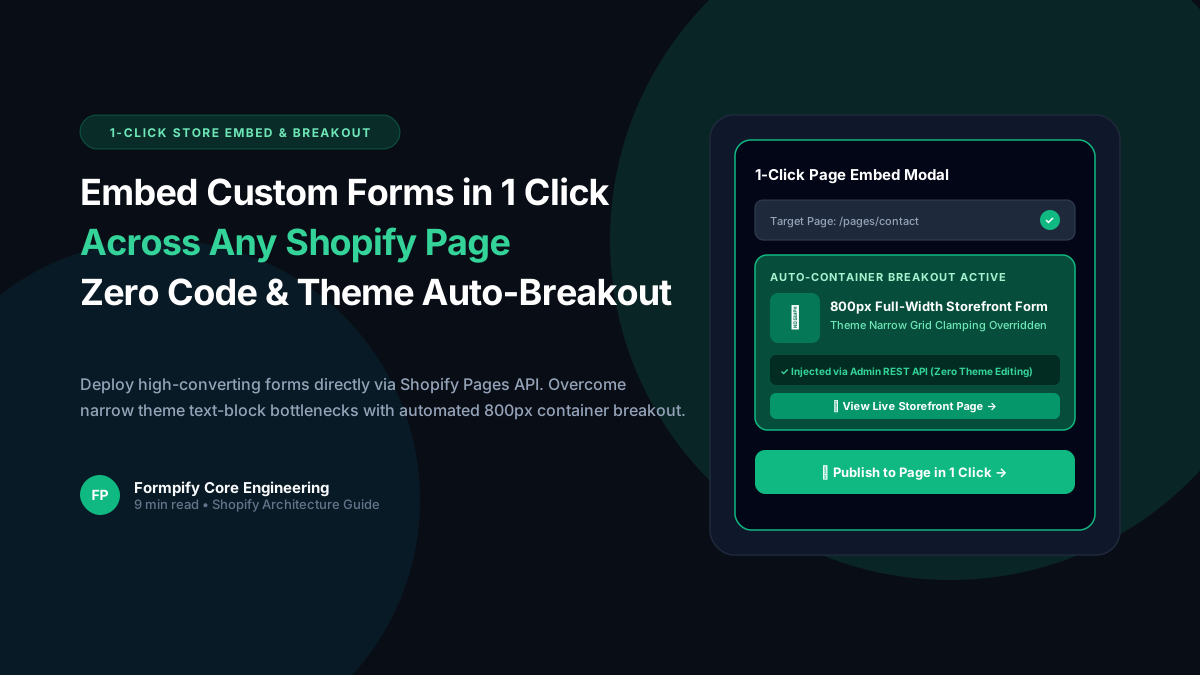
- Traditional Shopify form apps require tedious copy-pasting of Liquid code snippets into theme templates, creating update conflicts and theme code clutter.
- Formpify 1-Click Store Page Embed connects directly to the Shopify Pages REST API to securely inject embed containers into pages like /pages/contact in under 5 seconds.
- Merchants can create brand-new custom store pages directly within the Formpify Publish Modal without navigating away to the Shopify Admin.
- Modern OS 2.0 themes (Dawn, Horizon, Sense) enforce restrictive max-inline-size (22.75em ~ 364px) on page content, causing forms to render in narrow mobile columns on desktop screens.
- Formpify v2.3.1 Theme Container Breakout engine automatically overrides theme parent constraints (rte-formatter, .text-block, section grids) to guarantee an 800px full-width responsive layout.
Table of Contents
- →1. The Pain of Manual Liquid Code & Fragile Snippets
- →2. How 1-Click Pages API Auto-Embedding Works
- →3. Creating New Store Pages Directly from the Publish Modal
- →4. The 364px Theme Clamping Problem (Dawn & Horizon)
- →5. Formpify Container Breakout: Engineering Full-Width 800px Parity
- →6. Step-by-Step Tutorial: Publish a Form in Under 60 Seconds
1. The Pain of Manual Liquid Code & Fragile Snippets
For years, adding a custom form to a Shopify store—whether a contact form, dealer application, custom inquiry form, or return request—has followed the same exhausting, error-prone workflow:
- Build the form in a third-party app.
- Copy a cryptic HTML or Liquid code snippet like
<div class="app-form" data-id="xyz"></div>. - Open Shopify Admin → Online Store → Themes → Edit Code.
- Search through dozens of template files (
page.contact.json,sections/main-page.liquid,snippets/page-content.liquid). - Paste the snippet, save, and pray that a theme update doesn't silently wipe out your customizations.
Non-technical merchants often break theme layout structures, inject unclosed tags, or end up paying $150/hr agency retainers just to place a simple inquiry form on an About Us or Wholesale page. Even worse, when switching or upgrading themes, these manual snippets are orphaned, leaving visitors with broken forms.
2. How 1-Click Pages API Auto-Embedding Works
Formpify v2.3.0 completely replaces manual snippet copy-pasting with 1-Click Store Page Auto-Embedding. Powered by direct integration with the authenticated Shopify Admin REST API (/admin/api/2026-01/pages.json), Formpify programmatically inspects and updates store pages without touching theme liquid files.
Automated API Injection Flow
When a merchant selects a page (e.g. /pages/contact) and clicks Publish to Page, the Formpify backend executes a surgical update:
// Secure authenticated payload injected into Shopify page.body_html
<div class="formpify-embed"
     data-shop="your-store.myshopify.com"
     data-form-id="3324e6e7-5c8c-4dfb-844a-f5792259222a"
     data-show-form-name="false"
     style="width: 100%; max-width: 100%; max-inline-size: 100%; margin: 0 auto;">
</div>
The update preserves all existing merchant copy, headings, and images on the page, smartly appending or prepending the form container based on your chosen placement.
3. Creating New Store Pages Directly from the Publish Modal
What if you want to deploy a form onto a page that doesn't exist yet—such as /pages/quote-request or /pages/vip-application? Traditionally, you would have to leave the form app, navigate to Shopify Admin → Pages, create the page, save, and return.
Formpify eliminates this friction entirely. Inside the Publish Modal, simply toggle to + Create New:
- Type your intended Page Title (e.g., "Wholesale Trade Inquiry").
- Watch Formpify auto-generate the URL handle with live preview (
/pages/wholesale-trade-inquiry). - Click Publish to Page: Formpify creates the page in your Shopify store, injects the form container, publishes the page, and provides an immediate emerald feedback link:
[ ↗ View Live Page ].
4. The 364px Theme Clamping Problem (Dawn & Horizon)
Even when a form is successfully placed on a Shopify page, merchants immediately run into a notorious layout flaw: the form appears tiny, cramped, and squished into a narrow central column on desktop screens.
Why does this happen? In Shopify OS 2.0 reference themes (including Dawn, Horizon, Sense, and Craft), standard page templates route the page content through strict text formatting blocks. For instance, in Horizon's sections/main-page.liquid and snippets/text.liquid, content is wrapped inside:
<rte-formatter class="spacing-style text-block text-block--content rte"
               style="--width: 100%; --max-width: var(--max-width--body-narrow);">
  <!-- Page body_html -->
</rte-formatter>
The theme defines --max-width--body-narrow: 22.75em (approximately 364px) and applies modern CSS Logical Properties:
.text-block > * {
  width: var(--width, 100%);
  max-inline-size: min(100%, var(--max-width, 100%));
}
Because the form embed container is a child of the text block, the browser clamps its inline size to 364px. Even if you configure your form to have a comfortable 800px or 900px width in your form builder, the theme forcefully restricts it to a tiny mobile width on widescreen iMac and MacBook monitors!
5. Formpify Container Breakout: Engineering Full-Width 800px Parity
With the release of Formpify v2.3.1, our engineering team introduced the Universal Theme Container Breakout Engine. Rather than forcing merchants to manually edit CSS files or inject custom stylesheets into their theme assets, Formpify automatically resolves container clamping at both stylesheet and DOM runtime levels.
Dual-Layer Breakout Architecture
- CSS Logical Property Override: Formpify injects prioritized CSS overrides neutralizing theme constraints on parents and direct containers:
.text-block:has(.formpify-embed), .rte:has(.formpify-embed), rte-formatter:has(.formpify-embed) { max-width: 100% !important; --max-width: 100% !important; max-inline-size: 100% !important; width: 100% !important; } .formpify-embed { width: 100% !important; max-width: 100% !important; max-inline-size: 100% !important; margin: 0 auto; } - Shopify Section Grid Unlocking: OS 2.0 themes lock the central column of
.section.page-width-contentto--normal-content-width(672px). Formpify unlocks the grid dynamically:.section.page-width-content:has(.formpify-embed), .section:has(.formpify-embed) { --page-content-width: var(--normal-page-width, 1200px) !important; --full-page-grid-central-column-width: min(100% - (var(--page-margin, 20px) * 2), var(--normal-page-width, 1200px)) !important; }
The result? On Desktop screens (1440px+), the form renders at its full, intended 800px width with perfect optical centering. On Mobile screens (375px), it dynamically downscales to 343px with fluid padding, maintaining 100% responsiveness with zero horizontal overflow.
6. Step-by-Step Tutorial: Publish a Form in Under 60 Seconds
Ready to embed your custom contact or inquiry form? Follow this 3-step blueprint:
- Open Formpify Builder: Design your fields, colors, and submit actions.
- Click Publish: In the top bar, click Publish. Select the Store Page card.
- Select Destination & Position:
- Choose an existing page (e.g.,
/pages/contact) or click + Create New. - Choose your placement: Bottom of Page (Recommended) to keep your introductory text intact, or Top of Page.
- Click Publish to Page.
- Choose an existing page (e.g.,
That is literally all it takes. Formpify writes the container via API, activates the Theme Container Breakout, and your form is live at full 800px width—instantly verified on both desktop and mobile.
Start Building Custom Shopify Forms Without Code
Build 800px full-width forms, embed in 1 click across any store page, and eliminate theme snippet headaches forever with Formpify.
Explore More Shopify Form Guides
 Tutorials
How to Build Advanced Dynamic Pricing Calculators on Shopify with Safe AST Math Formulas & Conditional Logic
Selling dimension-based items like custom glass, canvas prints, blinds, flooring, or bespoke upholstery? Standard Shopify variant pricing cannot calculate length × width formulas or conditional volume discounts. Discover how Formpify's Safe AST Math Formula Engine evaluates complex algebraic equations in real time without eval() vulnerabilities, keeping Canvas and Storefront in 100% sync.
 Tutorials
How to Build an Interactive Product Recommendation & Skincare/Size Quiz in Shopify (Without Bloated $50/mo Quiz Apps)
Traditional Shopify quiz apps charge $50–$300/month while injecting heavy scripts that devastate storefront performance. Learn how Formpify native Quiz Engine enables merchants to build custom recommendation quizzes with zero speed penalty, smart conditional branching, and instant 1-click AJAX cart bundling.
 Tutorials
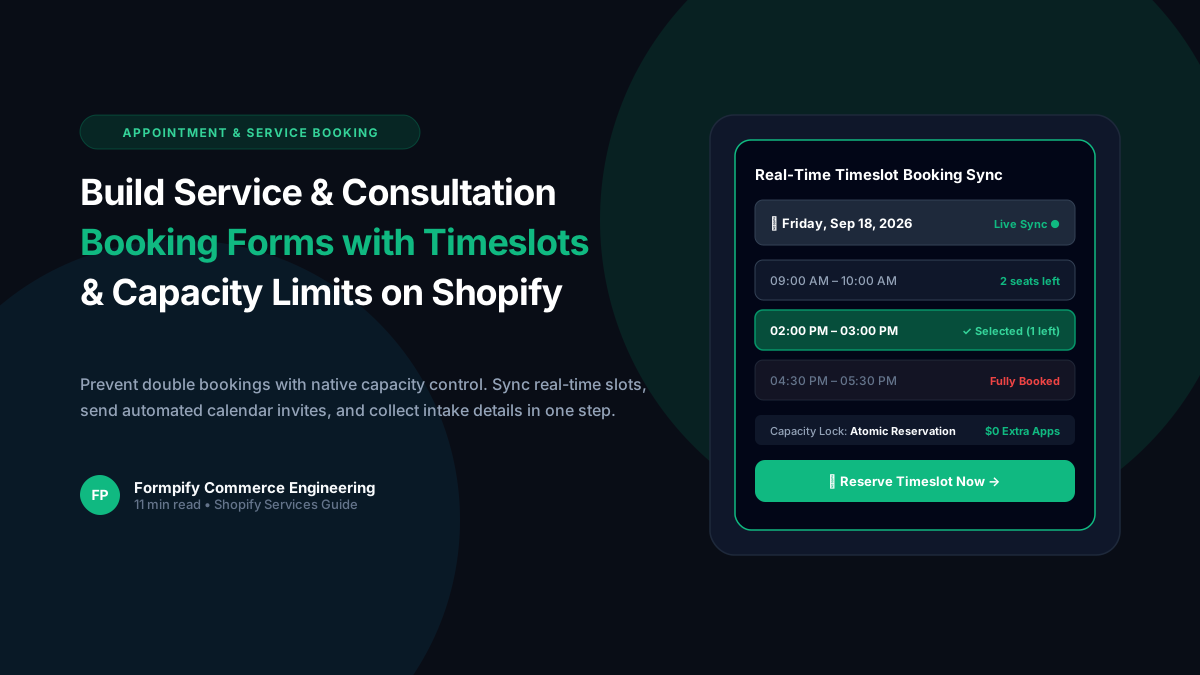
How to Build a Service & Consultation Booking Form with Real-Time Timeslots and Capacity Limits in Shopify
Selling services, consultations, or studio appointments on Shopify often forces brands to use clunky third-party calendars or expensive booking plugins. Discover how Formpify real-time timeslot engine delivers atomic capacity controls, custom availability rules, and seamless customer checkout integration.
Ready to supercharge your Shopify forms?
Join thousands of merchants creating custom forms, surveys, and live cost calculators.